الوصف
| 🌟المميزات | ℹ️الوصف |
|---|---|
|
مدة التسليم
| 60 دقيقة |
|
المحتويات
| مفتاح / رابط تحميل / دليل |
|
نوع الترخيص
| Genuine |
|
مدة الصلاحية
| مدى الحياة |
|
المستخدمون/الأجهزة
| مستخدم واحد |
|
المنصة
| أجهزة Windows |
|
الدعم
| 24 ساعة |
|
الإرجاع/الاستبدال
| 7 أيام |
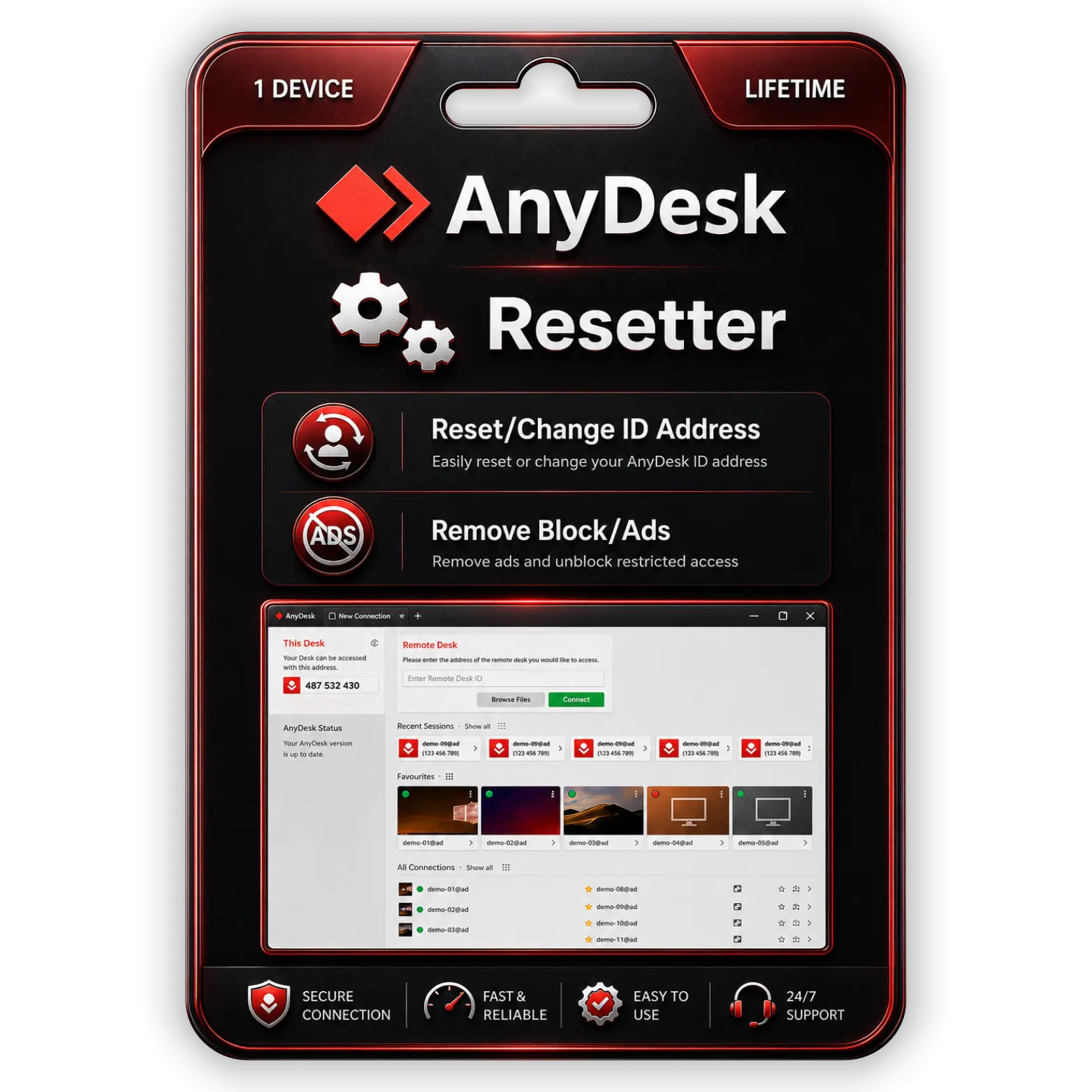
Fast Remote Desktop Access Ensures Seamless Device Connectivity
Control computers remotely with stable, high-speed connections for professional support and collaboration tasks.
Unlimited Remote Sessions Provide Continuous Uninterrupted Access
Access devices freely without restrictions, advertisements, interruptions, or connection limitations for maximum productivity.
Secure Encrypted Connections Protect Sensitive Remote Access Activities
Ensure private remote sessions safely using advanced encryption technology against unauthorized access attempts worldwide.
Lightweight Software Delivers Smooth Performance Across Multiple Devices
Experience lag-free remote control functionality while maintaining low system resource usage during extended sessions.
الأسئلة الشائعة
Is this product 100% genuine and will I receive official updates?
Yes, the product is 100% genuine. You will receive official updates as per the product’s supported update period, ensuring proper performance and security.
كم يستغرق تفعيل المنتج بعد الشراء؟
بعد إتمام الدفع بنجاح، يتم التفعيل خلال المدة المذكورة في صفحة المنتج. وفي أغلب الحالات تتم المعالجة بسرعة ودون تأخير.
ماذا يحدث إذا تم إلغاء تفعيل المنتج مستقبلاً؟
إذا أُلغي تفعيل المنتج لسبب فني أو متعلق بالنظام، سيساعدك فريق الدعم في إعادة التفعيل، وذلك وفقاً لتغطية الخدمة أو الدعم السارية.
Why is there a price difference compared to the official website?
Official websites usually follow standard retail pricing, while metaheart.net offers products through a service-based and bundled approach. This allows us to provide the same genuine product at a more affordable price, without compromising quality.
مراجعات (0)
كن أول من يقيم “AnyDesk Without Any Restriction for Lifetime” إلغاء الرد
دليل التثبيت
AnyDesk Installation Guide
- Download the AnyDesk setup file using the provided download link.
- افتح ملف التثبيت الذي تم تنزيله.
- شغّل الإعداد كمسؤول عند الطلب.
- اتبع تعليمات التثبيت الظاهرة على الشاشة.
- انقر على Install AnyDesk للمتابعة.
- Wait until AnyDesk installs completely.
- Open AnyDesk from the desktop or Start menu.
- Apply the provided resetter/license tool if included with your purchase.
- Restart AnyDesk if required.
- Verify that AnyDesk is working successfully without restrictions.


Office 365
Office 2024
Office 2021
Office 2019
Office 2013
Office 2010
Office 2007
Windows 11
Windows 10
Windows 7


المراجعات
لا توجد مراجعات بعد.