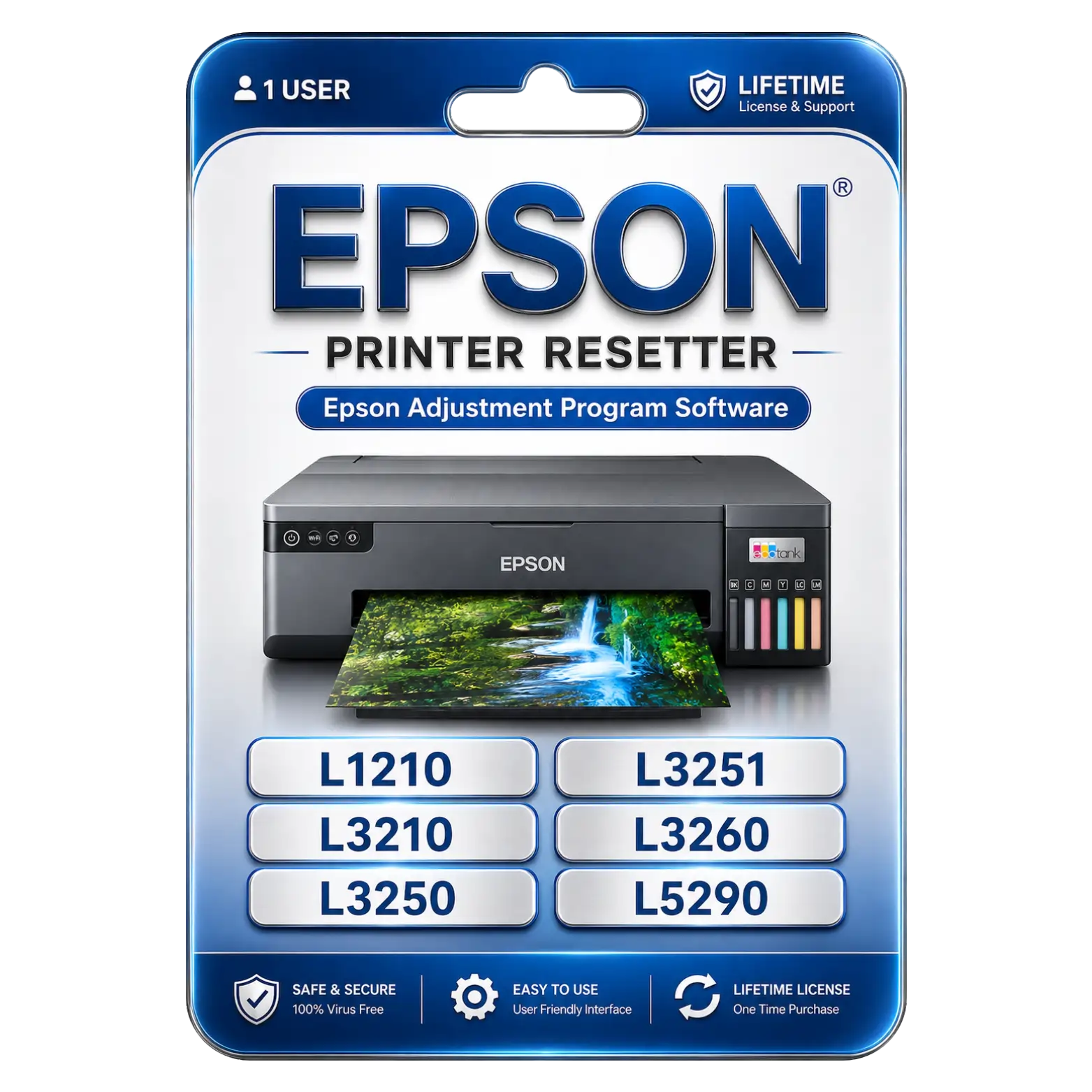
Enjoy permanent access for future printer resets without recurring subscription fees or renewal costs.
الأسئلة الشائعة
Is this product 100% genuine and will I receive official updates?
Yes, the product is 100% genuine. You will receive official updates as per the product’s supported update period, ensuring proper performance and security.
كم يستغرق تفعيل المنتج بعد الشراء؟
بعد إتمام الدفع بنجاح، يتم التفعيل خلال المدة المذكورة في صفحة المنتج. وفي أغلب الحالات تتم المعالجة بسرعة ودون تأخير.
ماذا يحدث إذا تم إلغاء تفعيل المنتج مستقبلاً؟
إذا أُلغي تفعيل المنتج لسبب فني أو متعلق بالنظام، سيساعدك فريق الدعم في إعادة التفعيل، وذلك وفقاً لتغطية الخدمة أو الدعم السارية.
Why is there a price difference compared to the official website?
Official websites usually follow standard retail pricing, while metaheart.net offers products through a service-based and bundled approach. This allows us to provide the same genuine product at a more affordable price, without compromising quality.
مراجعات (0)
المراجعات
لا توجد مراجعات بعد.
كن أول من يقيم “Epson Printer Resetter & Adjustment Software” إلغاء الرد
دليل التثبيت
Epson Printer Resetter Installation Guide
قم بتنزيل Epson Printer Resetter (Adjustment Program) باستخدام رابط التنزيل المرسل إليك بعد الشراء.
Extract the downloaded ZIP/RAR file using WinRAR or any extraction software.
Temporarily disable your antivirus software if it blocks the resetter application.
Connect your Epson printer to the computer using a USB cable and ensure the printer is powered on.
Open the extracted folder and run the Adjustment Program as Administrator.
Select your printer model (L1210, L3210, L3250, L3251, L3260, L5290, or the purchased model).
انقر على Particular Adjustment Mode and select Waste Ink Pad Counter.
انقر على Check to view the current waste ink counter status.
Select Initialize to reset the waste ink pad counter.
Wait for the reset process to complete successfully.
Turn off the printer and wait for a few seconds.
Turn the printer back on and print a test page to verify that the reset was successful.
















 Office 365
 Office 2024
 Office 2021
 Office 2019
 Office 2013
 Office 2010
 Office 2007
 Windows 11
 Windows 10
 Windows 7








المراجعات
لا توجد مراجعات بعد.