

Sale
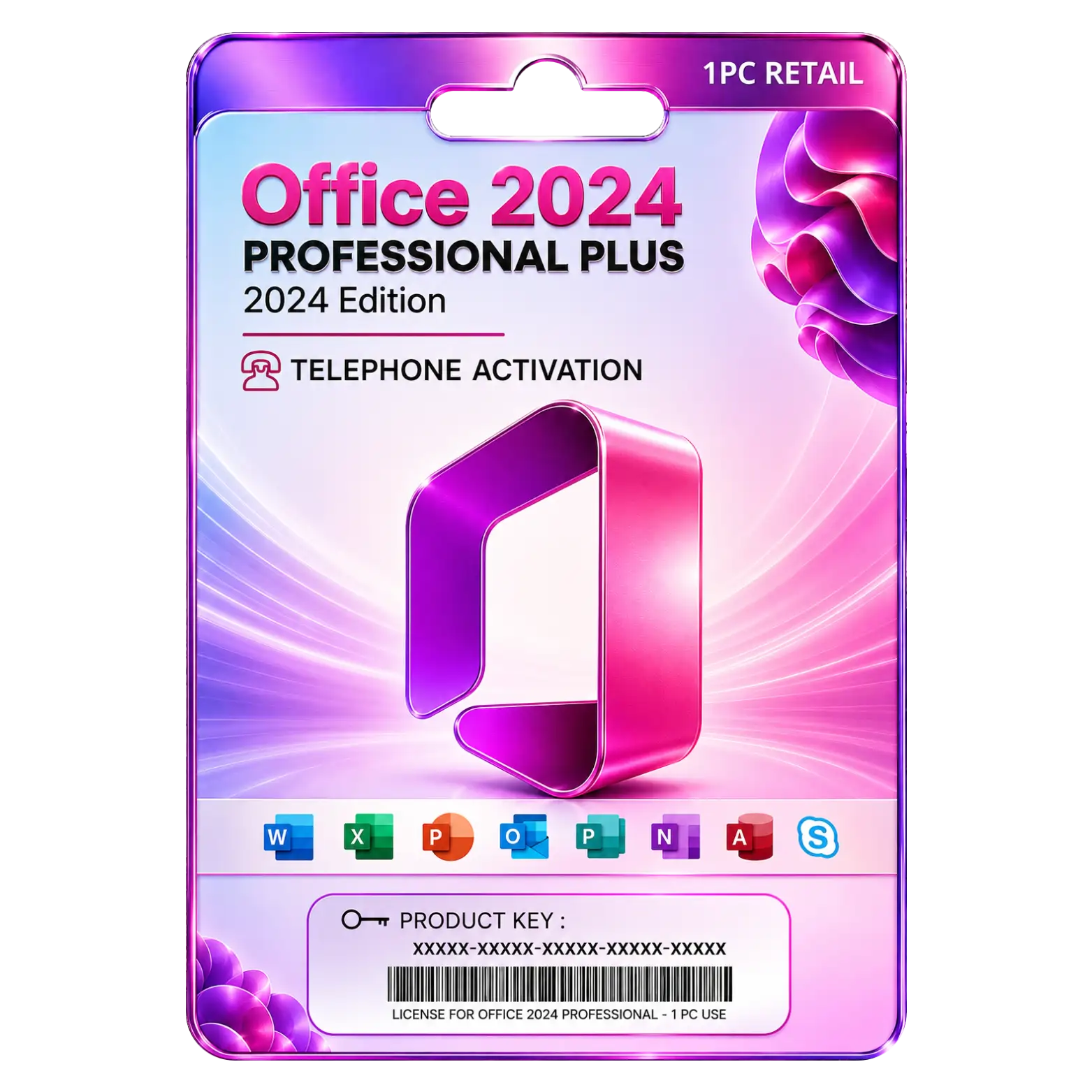



Description

Complete productivity suite with aprofessional business applications
Enhanced performance and stability for demanding business workloads
Latest Office 2024 features for modern productivity needs
Long-term servicing channel ensuring reliable performance

Reviews (0)
INSTALLATION GUIDE
Office 2024 Professional Plus LTSC Installation Guide
- Download the Microsoft Office 2024 Professional Plus LTSC setup file using the download link provided after purchase.
- Locate the downloaded file and double-click it to begin the installation.
- If prompted, select Run as Administrator to continue.
- Follow the on-screen instructions to proceed with the setup.
- Read and accept the Microsoft Software License Agreement.
- Click Install to begin the installation process.
- Wait for Office 2024 Professional Plus LTSC to install completely on your PC.
- Launch any Office application such as Word, Excel, or PowerPoint.
- When prompted, enter the product key provided with your purchase.
- Sign in with your Microsoft account if required.
- Click Activate to complete the product activation.
- Restart the Office application and verify that Office 2024 Professional Plus LTSC is activated successfully.


![Office 2019 Home & Student 1PC [Bind for win]](https://metaheart.net/wp-content/uploads/2025/03/Office-2021-7-500x750.webp)










 Office 365
 Office 2024
 Office 2021
 Office 2019
 Office 2013
 Office 2010
 Office 2007
 Windows 12
 Windows 11
 Windows 10
 Windows 7







Reviews
There are no reviews yet.