

Sale
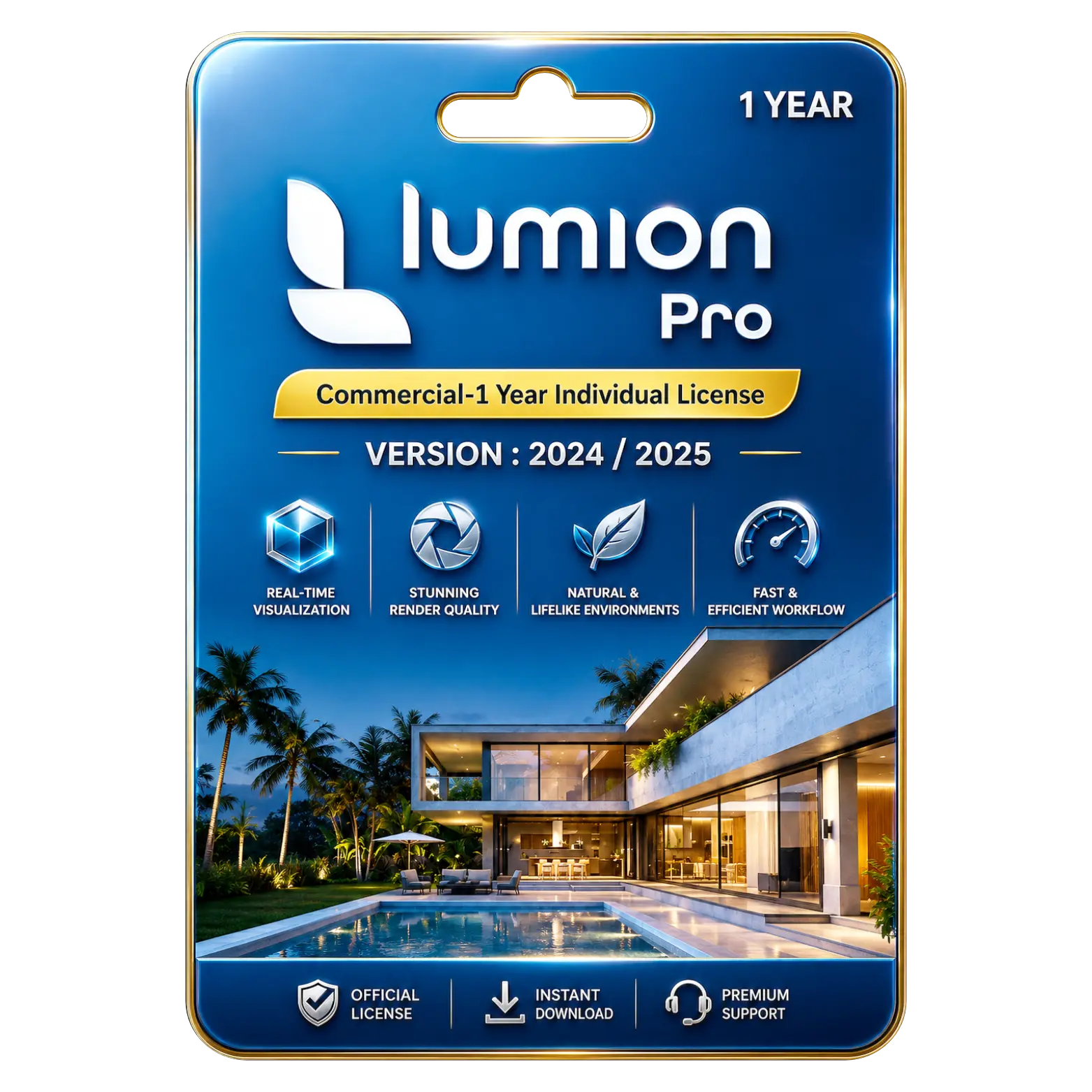
Lumion Pro 2024 / 2025 Commercial – 1 Year Individual License


14
People watching this product now!
Description

Real-time architectural visualization with stunning photorealistic
Extensive asset library for immersive scene creation
Fast rendering workflow improving design presentation efficiency
Advanced animation tools for dynamic architectural walkthrough

Reviews (0)
INSTALLATION GUIDE
Lumion Pro 2024 / 2025 Installation Guide
- Download the Lumion Pro 2024 / 2025 setup file using the download link provided after purchase.
- Locate the downloaded file and double-click it to start the installation.
- If prompted, select Run as Administrator to proceed.
- Follow the on-screen instructions to continue with the setup.
- Read and accept the Lumion License Agreement.
- Click Install to begin the installation process.
- Wait for Lumion Pro to install completely on your device.
- Launch Lumion Pro 2024 / 2025 from your desktop or Start menu.
- Sign in to your Lumion account if required.
- Enter the license key provided with your purchase.
- Click Activate to complete the license activation.
- Restart the application and verify that Lumion Pro is activated successfully
Related products
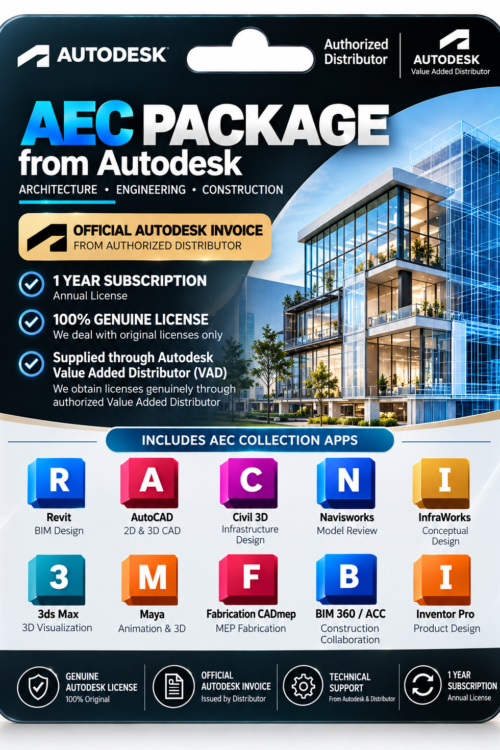


Sale Sold out










 Office 365
 Office 2024
 Office 2021
 Office 2019
 Office 2013
 Office 2010
 Office 2007
 Windows 12
 Windows 11
 Windows 10
 Windows 7







Reviews
There are no reviews yet.