

Sale
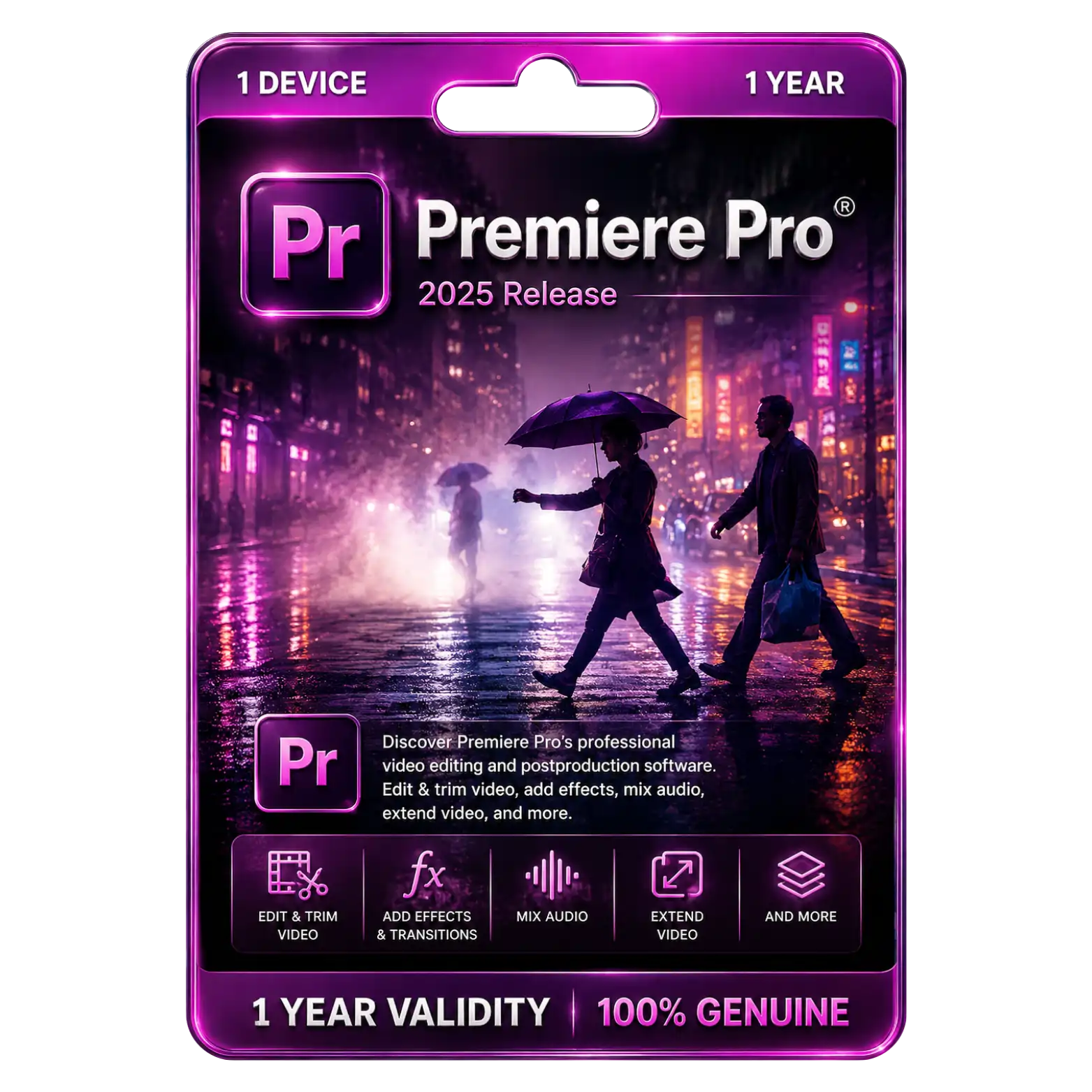
Premiere Pro Original License for 1 Device 1 Year


33
People watching this product now!
Description

Professional Video Editing with Industry-Leading Creative Tools
AI-Powered Editing for Faster and Smarter Video Production
High-Resolution Export with Broad Format Compatibility
One-Year Genuine License with Regular Adobe Feature Updates

Reviews (0)
INSTALLATION GUIDE
Adobe Premiere Pro Installation Guide
- Download the Adobe Premiere Pro setup file using the download link provided after purchase.
- Locate the downloaded file and double-click it to begin the installation.
- If prompted, select Run as Administrator to continue.
- Follow the on-screen instructions to install Adobe Creative Cloud Desktop (if not already installed).
- Sign in with your Adobe ID or create a new Adobe account.
- Open the Creative Cloud Desktop application.
- Locate Adobe Premiere Pro and click Install.
- Wait for Premiere Pro to download and install completely on your device.
- Launch Adobe Premiere Pro from your desktop or Start menu.
- Sign in with the Adobe account associated with your subscription.
- Allow Adobe to verify and activate your license online.
- Update Premiere Pro to the latest version and start editing with all premium features enabled.













 Office 365
 Office 2024
 Office 2021
 Office 2019
 Office 2013
 Office 2010
 Office 2007
 Windows 12
 Windows 11
 Windows 10
 Windows 7







Reviews
There are no reviews yet.