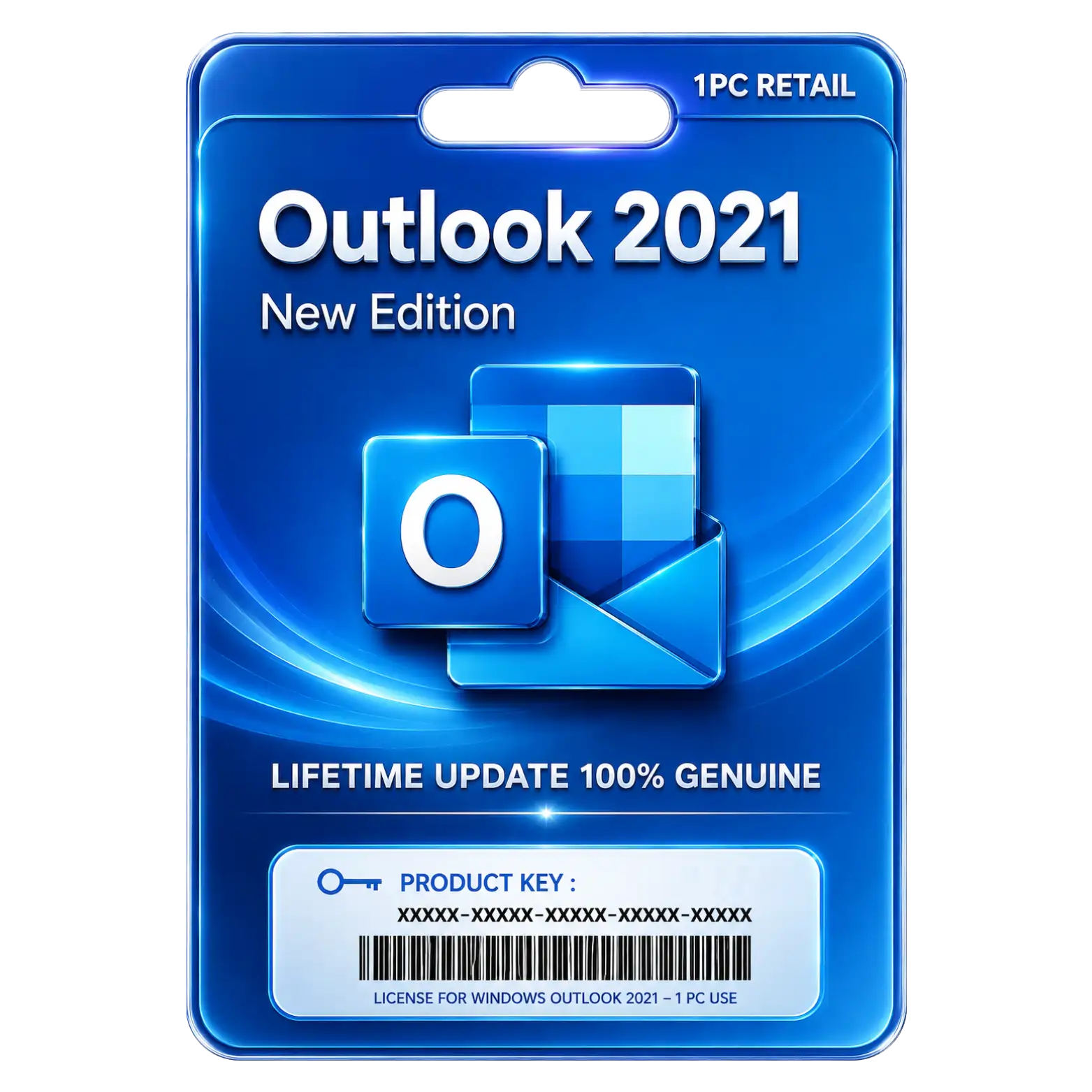
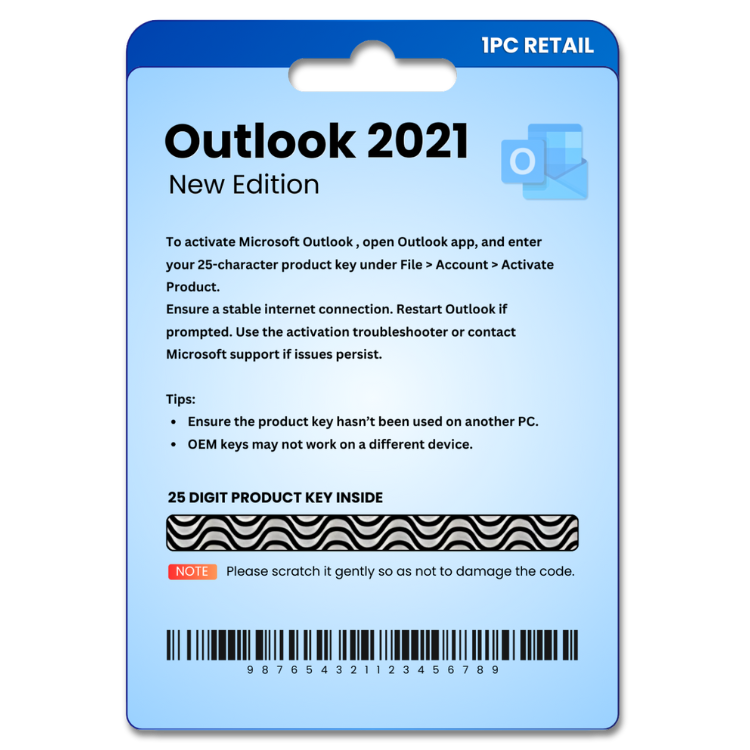

Outlook 2021 Original License Key For 1PC

Original price was: ₹1,049.00.Current price is: ₹449.00. License

refundable Refundable Free Support 24/7 Free Support Documented Well Documented

price You are saving ₹600 on this exciting deal Deal

169 People watching this product now!
Description
🌟Featureℹ️Description
Delivery Time
30 Minutes
Included
Key/Download Link/Guide
License Type
Online Activation
Validity
Lifetime
User/Device
1 Device
Platform
Windows PC
Support
24 Hrs
Return/Replacement
7Days

Email Management with Advanced Outlook Productivity

Organize emails, calendars, contacts, and tasks efficiently from one unified platform.

Powerful Scheduling Tools for Better Time Management

Manage appointments, meetings, reminders, and events with streamlined calendar features.

Enhanced Search Capabilities for Faster Email Organization

Quickly locate messages, contacts, attachments, and important information with ease.

Lifetime License Providing Permanent Software Ownership

Enjoy lifetime access without recurring subscription fees or future renewal requirements.

Frequently Asked Questions (FAQs)

How do I activate our purchased product?

After installation, enter the product key provided with your purchase. Follow the on-screen instructions to activate.

Is it genuine software license? Will it activate our pre-installed software?

Yes, It's 100% genuine and will activate it on your pre-installed software program, Or you can download your software from official link!

How much time will it take to deliver after placing the order?

Usually it takes 5 minutes to complete your digital delivery via WhatsApp or Email, But in certain circumstances It may take upto 12 hours.

Reviews (0)

Reviews

There are no reviews yet.

Be the first to review “Outlook 2021 Original License Key For 1PC”

Your email address will not be published. Required fields are marked *

You have to be logged in to be able to add photos to your review.

INSTALLATION GUIDE

Outlook 2021 Installation Guide

  1. Download the Microsoft Outlook 2021 setup file using the download link provided after purchase.
  2. Locate the downloaded file and double-click it to begin the installation.
  3. If prompted, select Run as Administrator to continue.
  4. Follow the on-screen instructions to proceed with the setup.
  5. Read and accept the Microsoft Software License Agreement.
  6. Click Install to begin the installation process.
  7. Wait for Outlook 2021 to install completely on your PC.
  8. Launch Microsoft Outlook 2021 from your desktop or Start menu.
  9. When prompted, enter the product key provided with your purchase.
  10. Sign in with your Microsoft account if required.
  11. Click Activate to complete the product activation.
  12. Configure your email account and verify that Outlook 2021 is activated successfully.