

Sale


Description

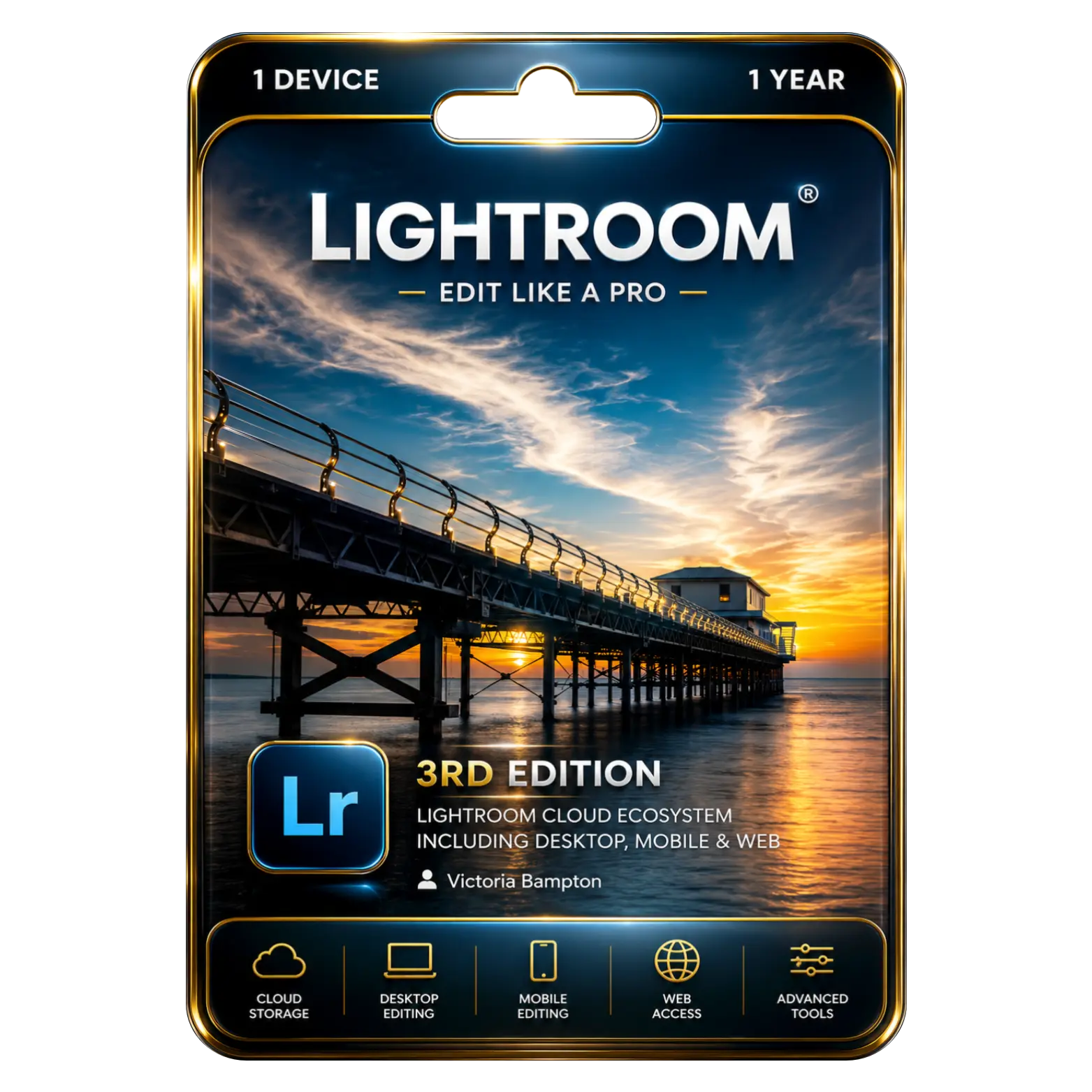
Professional photo editing tools for stunning visual results
Cloud-based synchronization across desktop mobile and web platforms
AI-powered enhancements for faster and smarter photo editing
Non-destructive editing preserving original photos during modifications

Reviews (0)
INSTALLATION GUIDE
Adobe Lightroom Installation Guide
- Download the Adobe Lightroom setup file using the download link provided after purchase.
- Locate the downloaded file and double-click it to begin the installation.
- If prompted, select Run as Administrator to continue.
- Follow the on-screen instructions to install Adobe Creative Cloud Desktop (if not already installed).
- Sign in with your Adobe ID or create a new Adobe account.
- Open the Creative Cloud Desktop application.
- Locate Adobe Lightroom and click Install.
- Wait for the installation process to complete successfully.
- Launch Adobe Lightroom from your desktop or Start menu.
- Sign in with the Adobe account associated with your license.
- Verify that your subscription is active and Lightroom is ready to use.
- Allow Lightroom to update to the latest version for the best performance and features.
Related products


Sale Sold out











 Office 365
 Office 2024
 Office 2021
 Office 2019
 Office 2013
 Office 2010
 Office 2007
 Windows 12
 Windows 11
 Windows 10
 Windows 7







Reviews
There are no reviews yet.