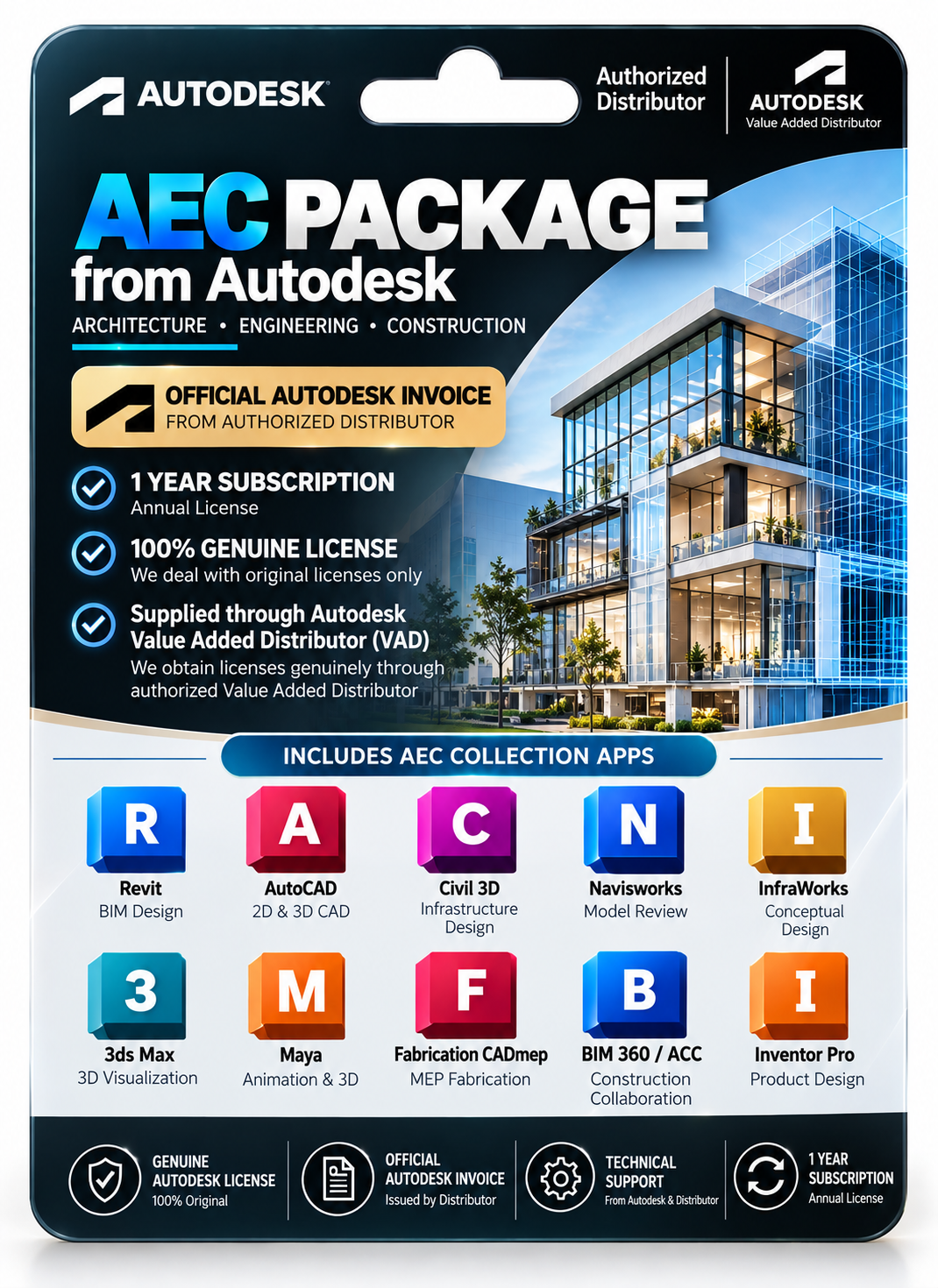
Description
| 🌟Feature | ℹ️Description |
|---|---|
|
Delivery Time
| 60 Minutes |
|
Included
| Key/Download Link/Guide |
|
License Type
| Subscription |
|
Validity
| 1 Year |
|
User/Device
| 1 User |
|
Platform
| Windows & macOS |
|
Support
| 24 Hrs |
|
Return/Replacement
| 7Days |
Comprehensive Design Software Suite Supports Multiple Creative Industries
Edit, organize, convert, merge, and customize PDF documents with professional productivity tools easily.
Advanced 3D Modeling Tools Enhance Professional Project Visualization
Create realistic models, simulations, and renderings accurately for complex engineering and architectural projects worldwide.
Integrated Workflow Features Improve Team Collaboration And Productivity
Share projects seamlessly across teams while streamlining creative processes and reducing production delays significantly.
High-Performance Design Applications Deliver Precision And Reliability Consistently
Execute demanding design tasks smoothly using optimized software built for professional-grade creative performance daily.
Frequently Asked Questions (FAQs)
Is this product 100% genuine and will I receive official updates?
Yes, the product is 100% genuine. You will receive official updates as per the product’s supported update period, ensuring proper performance and security.
How long does it take to activate the product after purchase?
After successful payment, activation is completed within the timeframe mentioned on the product page. In most cases, it is processed quickly without unnecessary delays.
What happens if the product gets deactivated in the future?
If the product is deactivated due to a technical or system-related reason, our support team will assist with reactivation, subject to the active service or support coverage.
Where do you get your Autodesk products from?
Our Autodesk products are sourced through an authorized Autodesk distributor. We provide official invoices from the authorized distributor to ensure transparency and verify the source of our products.
Reviews (0)
Be the first to review “Aut.*desk AEC Collection — 1-Year Subscription Through an Authorized Aut.*deskReseller” Cancel reply
INSTALLATION GUIDE
Autodesk Software Suite Installation Guide
- Download the Autodesk Software Suite setup package provided after purchase.
- Extract the downloaded ZIP or RAR file if required.
- Run the installer as Administrator on your Windows PC.
- Select the Autodesk applications you want to install from the suite.
- Continue through the installation wizard and wait for setup completion.
- Launch any installed Autodesk application.
- Sign in using your Autodesk account email.
- Enter the original subscription license details if prompted.
- Complete the activation and verify the subscription status.
- Restart the software once to finalize activation and enjoy the 3-year subscription access.


Office 365
Office 2024
Office 2021
Office 2019
Office 2013
Office 2010
Office 2007
Windows 11
Windows 10
Windows 7


Reviews
There are no reviews yet.